
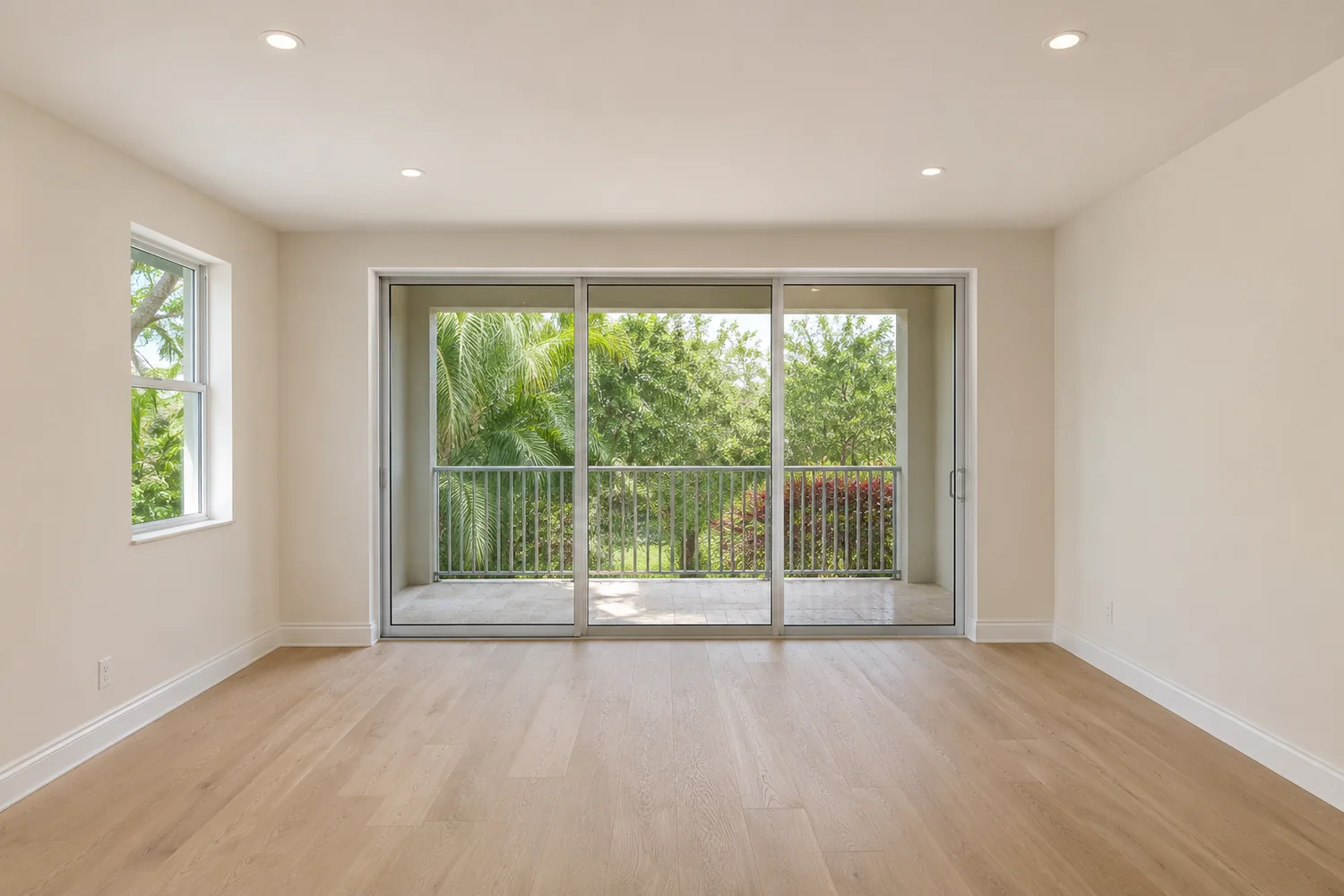

The short version
If you list in Stellar MLS, you need to do three things for virtually staged photos. Florida also has general rules against misleading advertising. We did not find a Florida statute or Florida Real Estate Commission rule written specifically about altered listing photos, though that is not proof that none exists.
The three Stellar MLS steps
- Add the words "Virtually staged" in the photo description field.
- Check the virtually staged field.
- Start the public remarks with: "One or more photo(s) was virtually staged."
Photos must also present a "True Picture" of the property. Non-compliant virtually staged photos are removed from the service, and an automatic Level I fine applies under the fine schedule in Article 11.
What Stellar allows and prohibits
| Allowed | Prohibited |
|---|---|
| Adding furniture, mirrors, artwork, plants and similar items | Virtual staging on pre-construction and under-construction properties |
| Removing existing furniture and replacing it digitally | Virtually staging exterior photos, except unattached furniture or decor |
| Twilight photos, if lighting is not added where none exists and the sun position is true | Attaching, removing, altering or adding permanent fixtures |
| Brightening underexposed photos | Adding elements outside the owner's control, such as a Gulf view or landmark that is not physically possible |
| Removing easily removable exterior items | Excluding negative elements such as holes, exposed wiring or damaged flooring |
| Words, branding or people on property photos; distorting room size; changing paint colors; adding landscape plantings; removing utility lines |
Words on photos
This is a common mistake. Many vendors offer a "virtually staged" stamp on the image, and some MLSs elsewhere ask for one. Stellar strictly prohibits words on any property photograph submitted to the service, so use the fields instead. The before and after labels on this website are for explanation, and are not MLS labels.
What Florida law says
Section 475.25(1)(b) and (c) of the Florida Statutes allows discipline of licensees for misrepresentation and concealment, and for advertising that is fraudulent, false, deceptive or misleading in form or content. Rule 61J2-10.025 of the Florida Administrative Code also bars fraudulent, false, deceptive or misleading advertising. Neither text mentions photos or images.
Applying those general rules to an altered photo is our inference, not a stated rule. We did not find a court case or Commission order applying them to virtual staging. A separate 2021 rule-development notice on internet advertising was seen, and its outcome was not verified.
If you are a REALTOR, Article 12 of the NAR Code of Ethics also requires a true picture in your representations.
A listing checklist
- Original saved for every edited photo
- Permission to edit each photo
- Nothing permanent, defective or outside the owner's control has been changed
- Furniture is true to the size of the room
- No words, logos or people on the image
- Description field reads "Virtually staged"
- Virtually staged field is checked
- Public remarks begin with the required sentence
- The same honesty carries over to your website, flyers and social posts