
St. Petersburg, Florida
Virtual Staging for Real Estate Listings in St. Petersburg, FL
Realistic virtual staging that helps buyers picture how each room lives, while the walls, windows, floors and fixtures stay exactly as photographed.
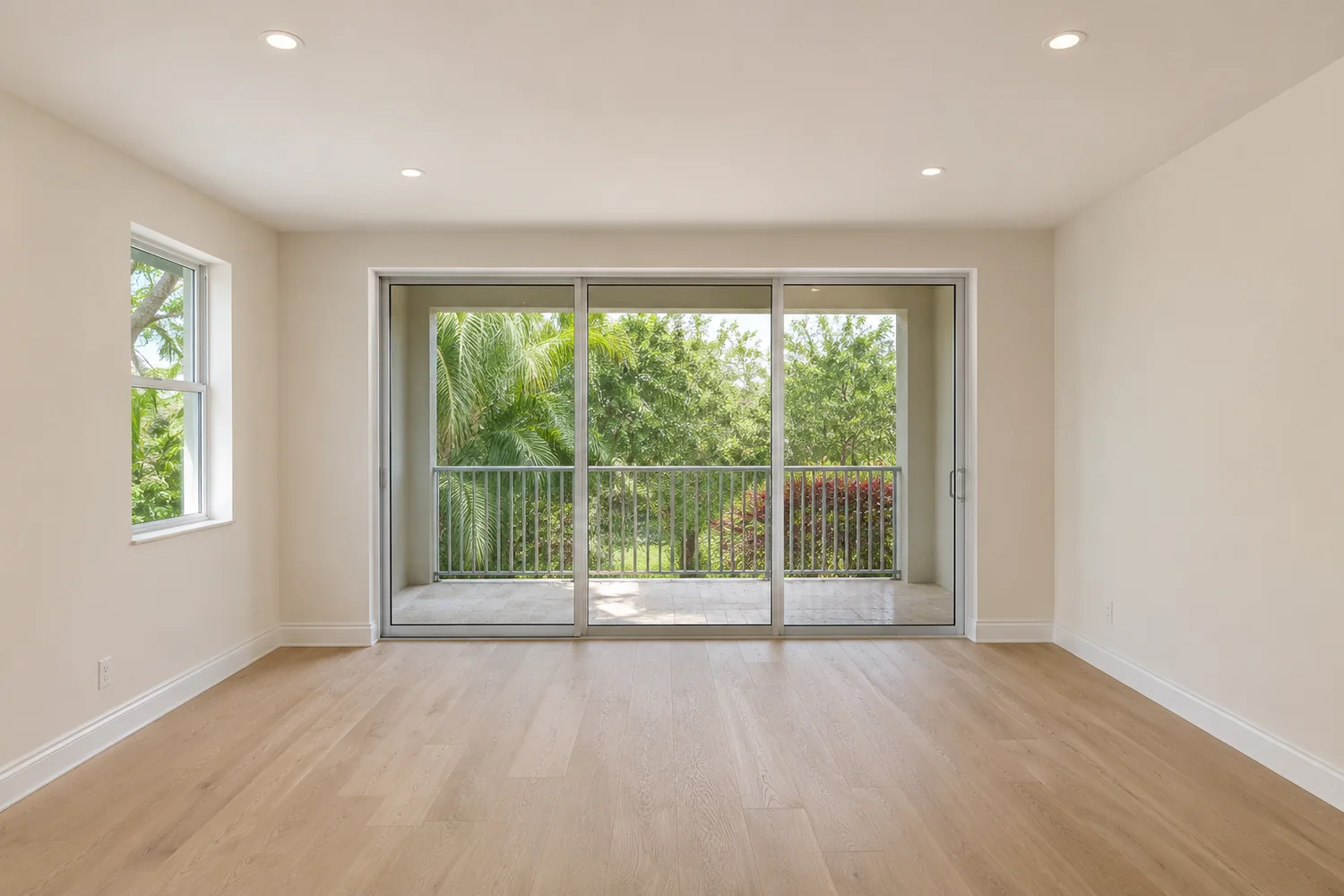
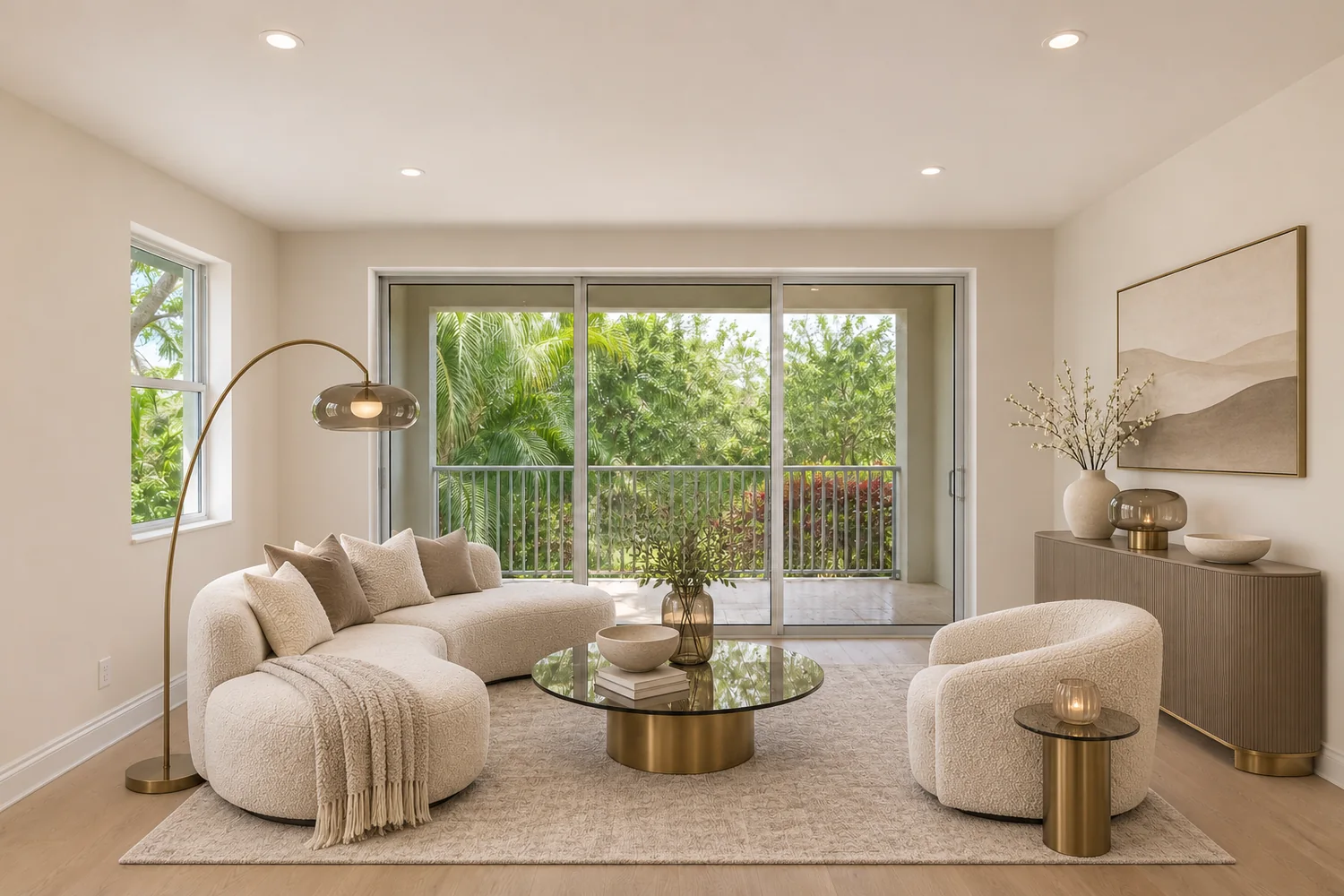 Before After
- Same-room comparisonsSee the change while the original room layout stays in view.
- Realistic furniture placementFurnishings sized to believable room proportions.
- Property features preservedStaging examples keep the fixed architecture as photographed.
- Multiple design stylesEight interior directions to compare for one property.
Before & after
A room is easier to judge with something in it
An empty room gives a buyer no sense of scale. Furniture answers simple questions: does a bed fit here, and what is this space for? Pick a room, then drag the divider.
 Before After
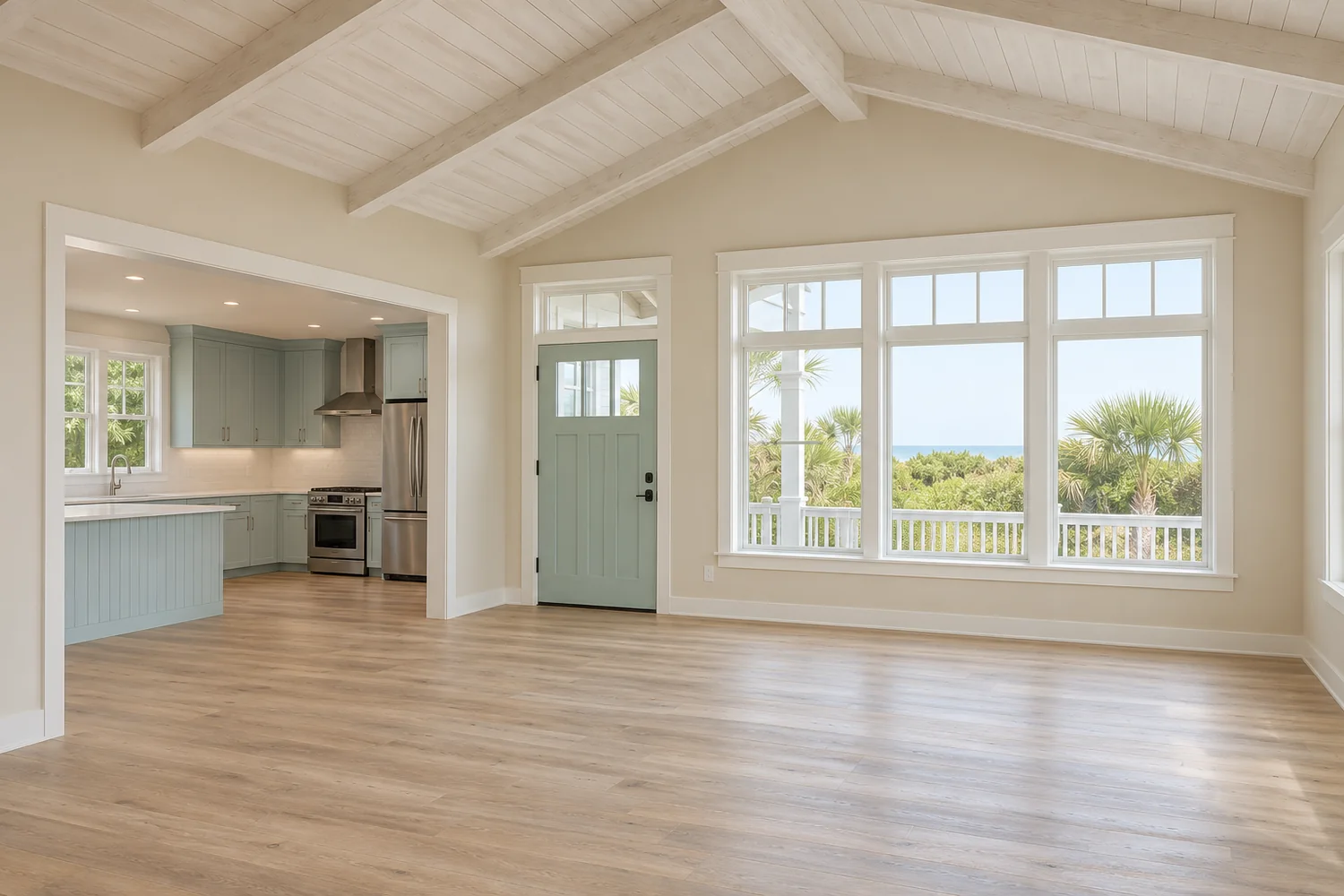
Living room
Seating, a rug and a few accessories show how much furniture the floor holds and where the walkway stays clear. It is usually the first room buyers look at.
 Before After
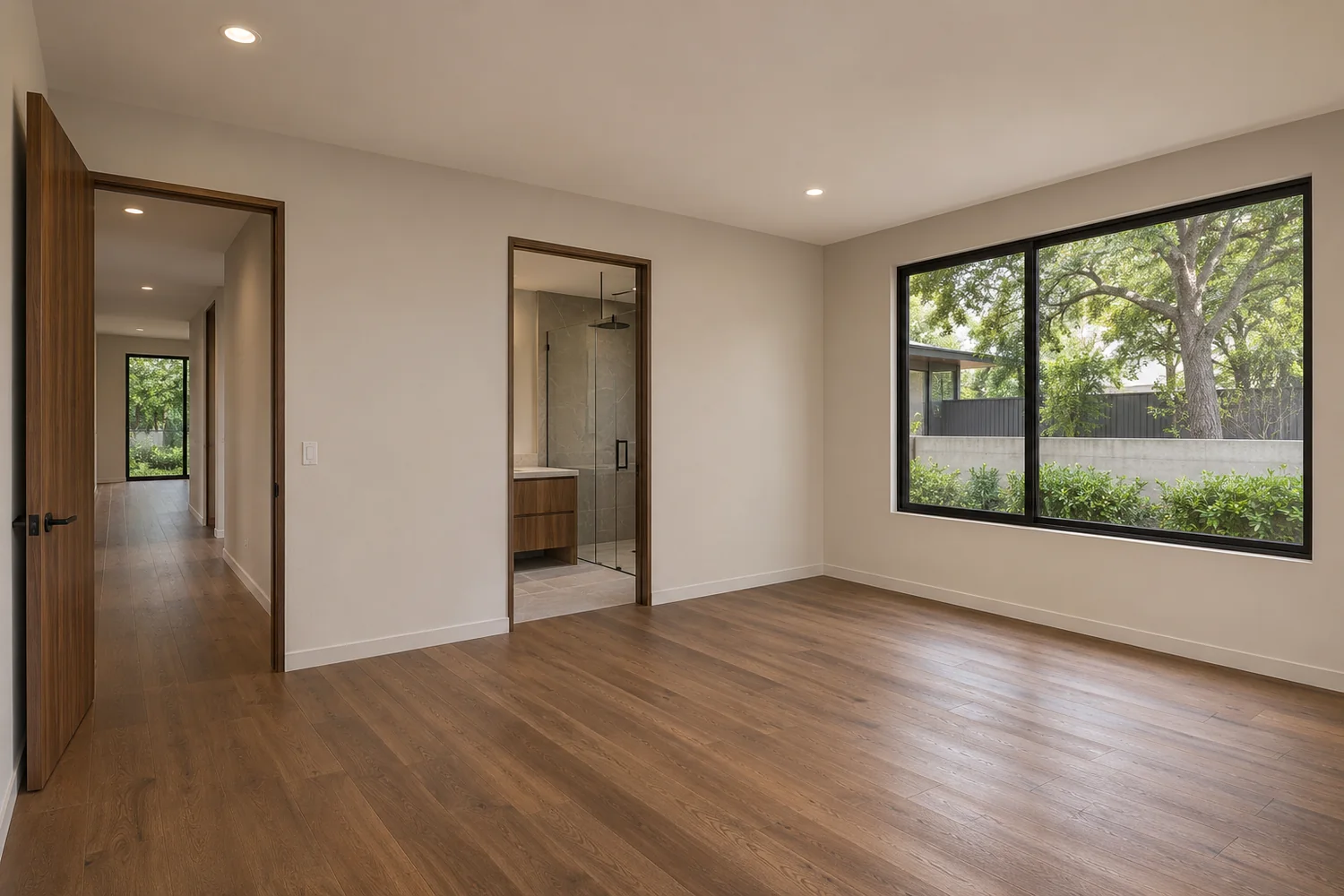
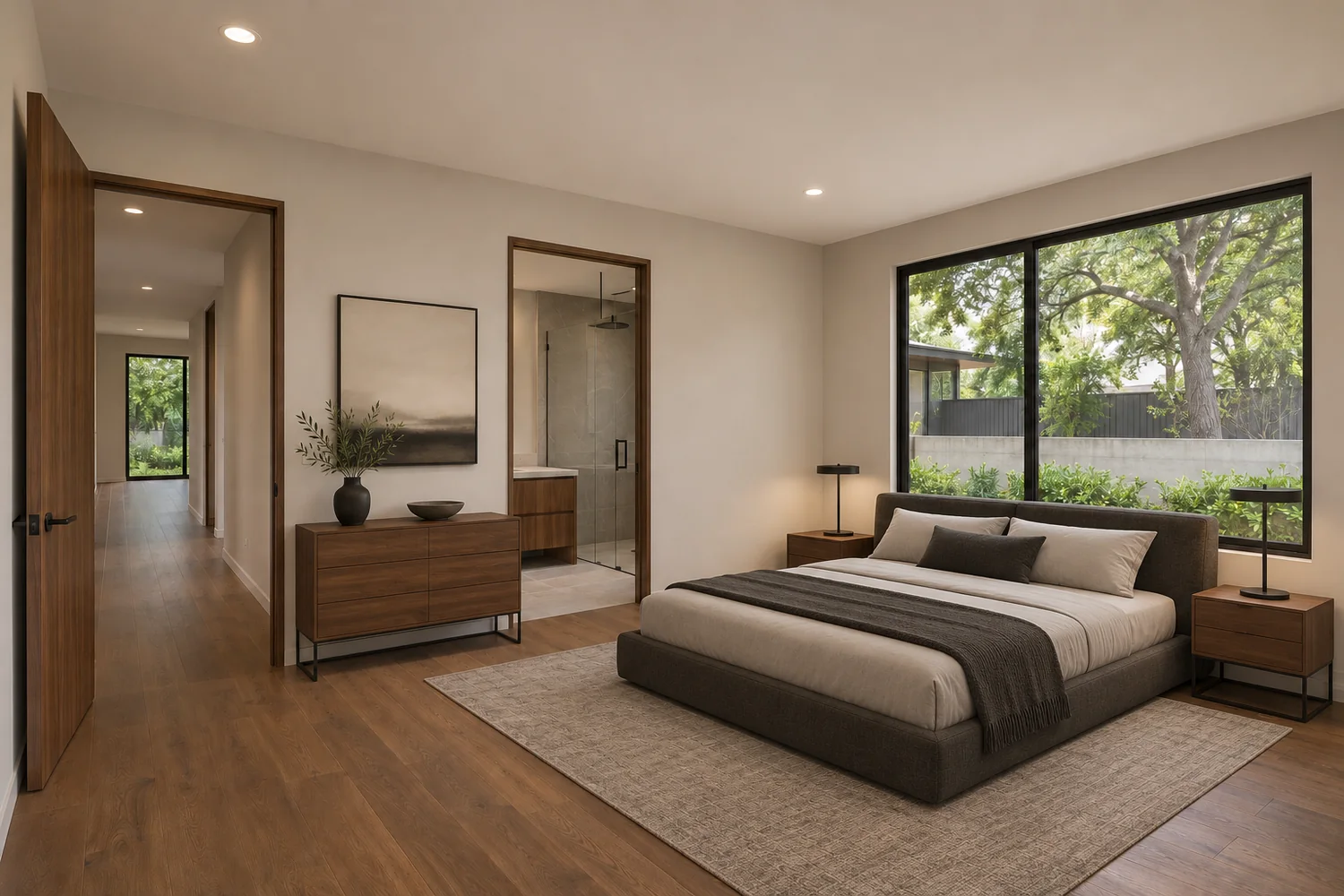
Primary bedroom
A bed with nightstands answers the question an empty bedroom raises: does a full set fit, with room to move around it?
 Before After
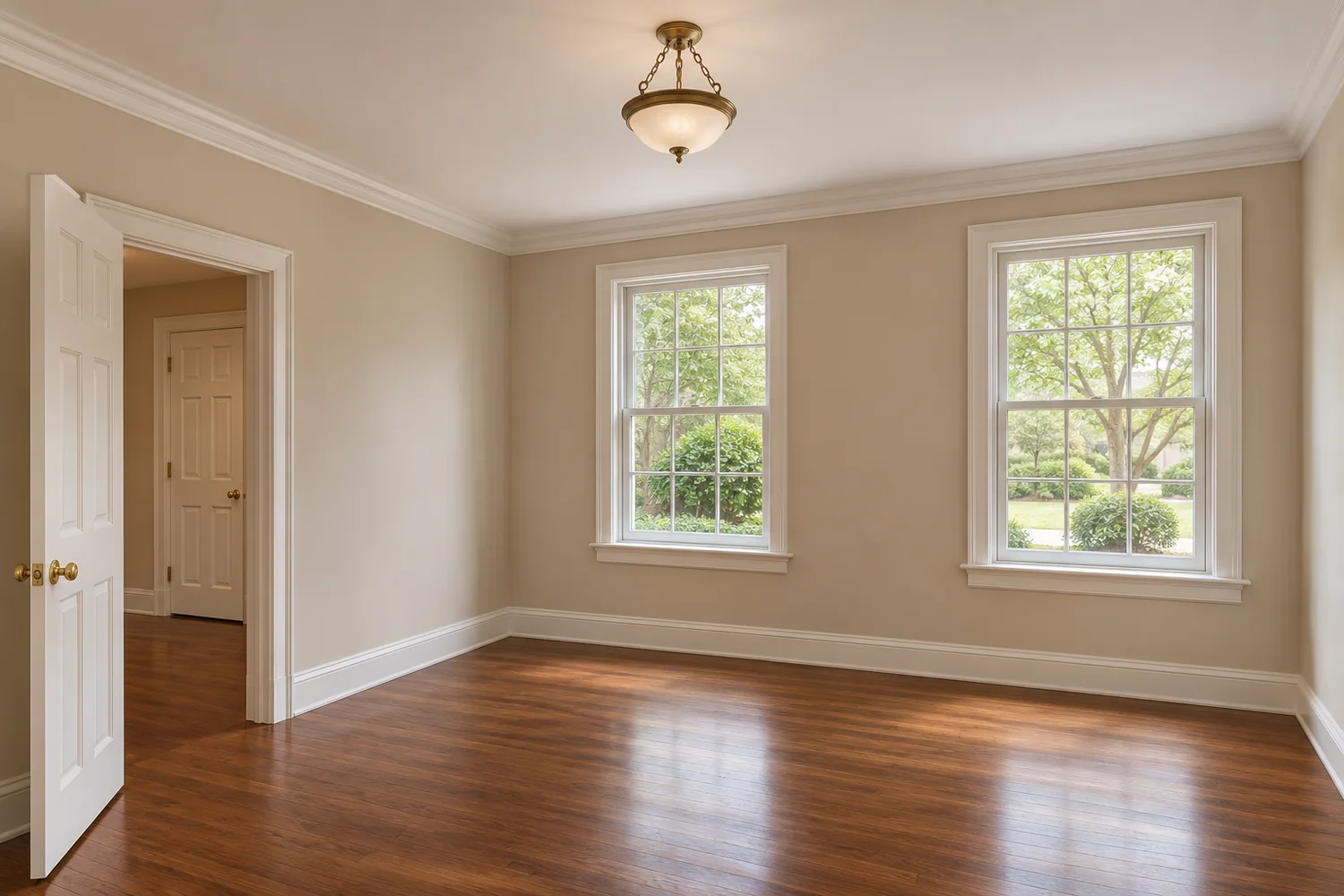
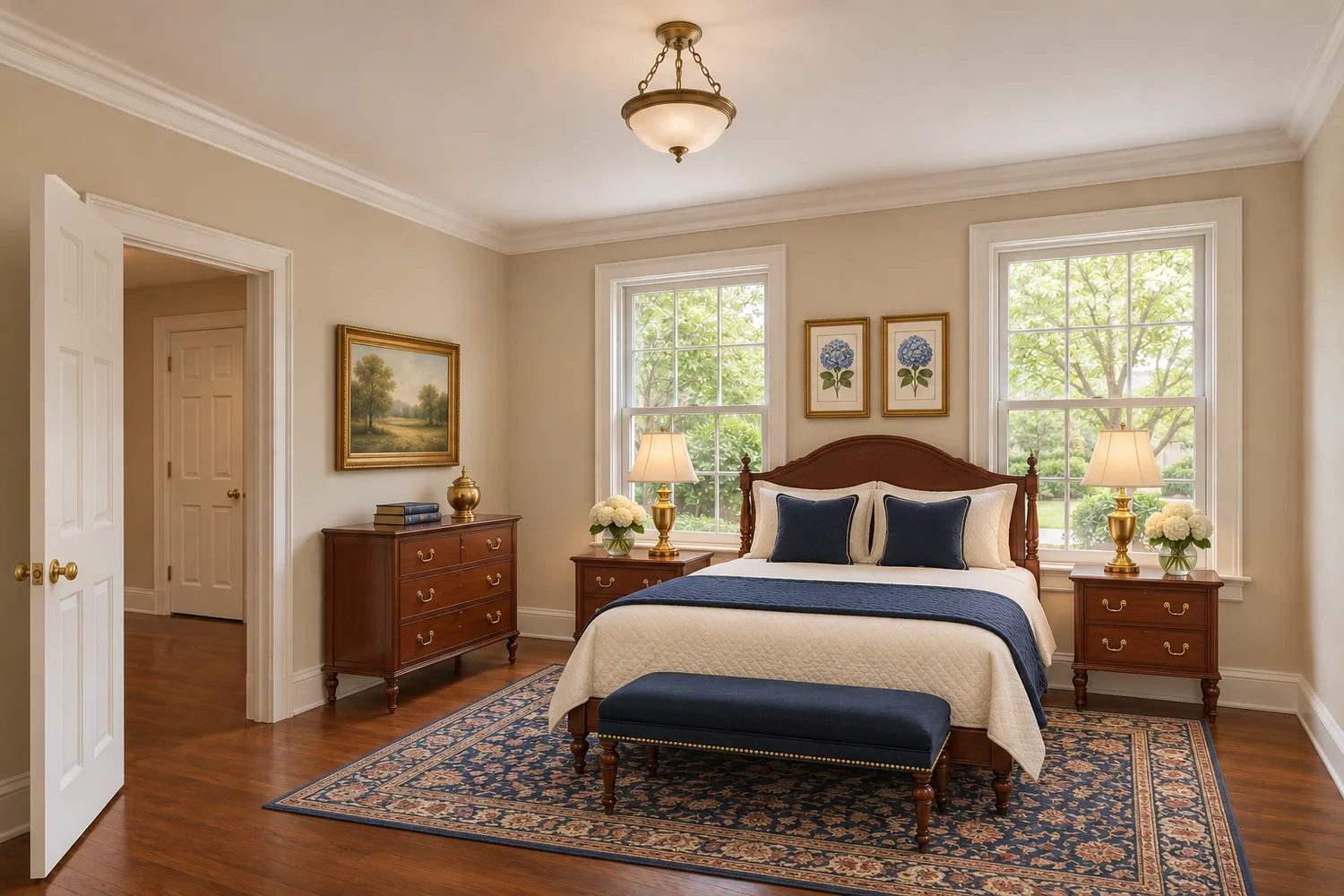
Guest bedroom
Small, empty bedrooms are easy to misread as storage. A furnished view shows the room working as a bedroom.
 Before After
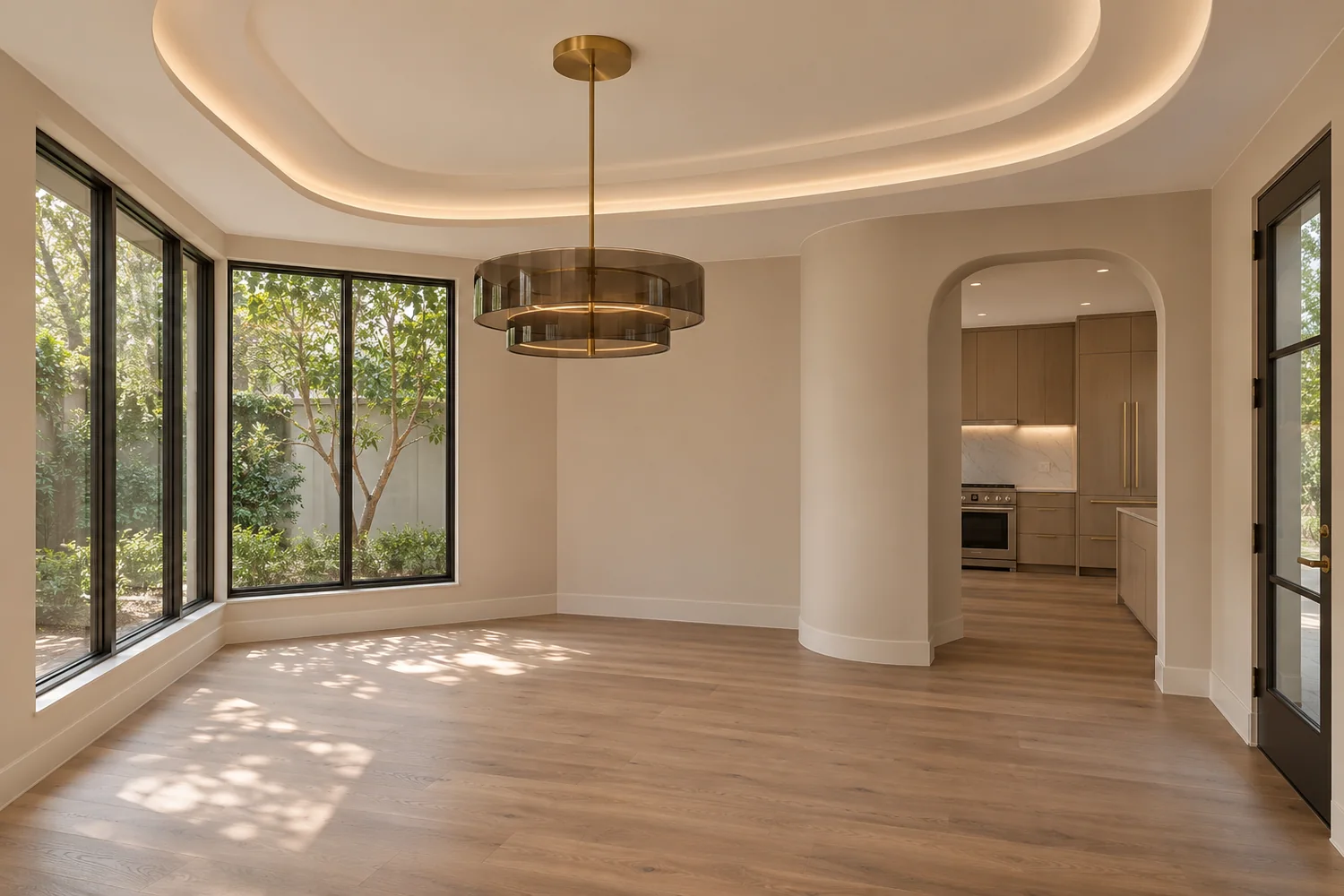
Dining room
A table and chairs at true scale show how many people the room seats and how it connects to the kitchen.
 Before After
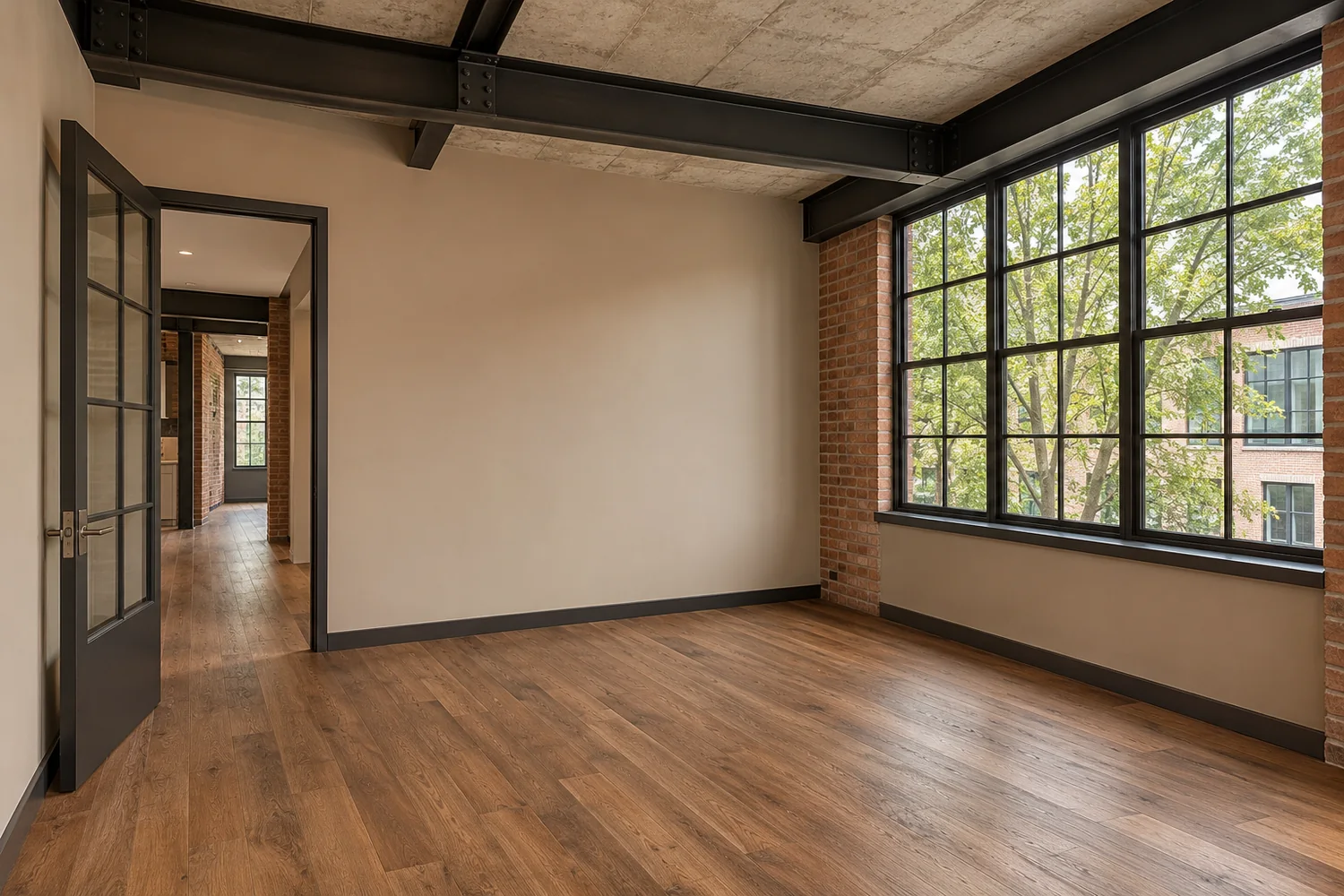
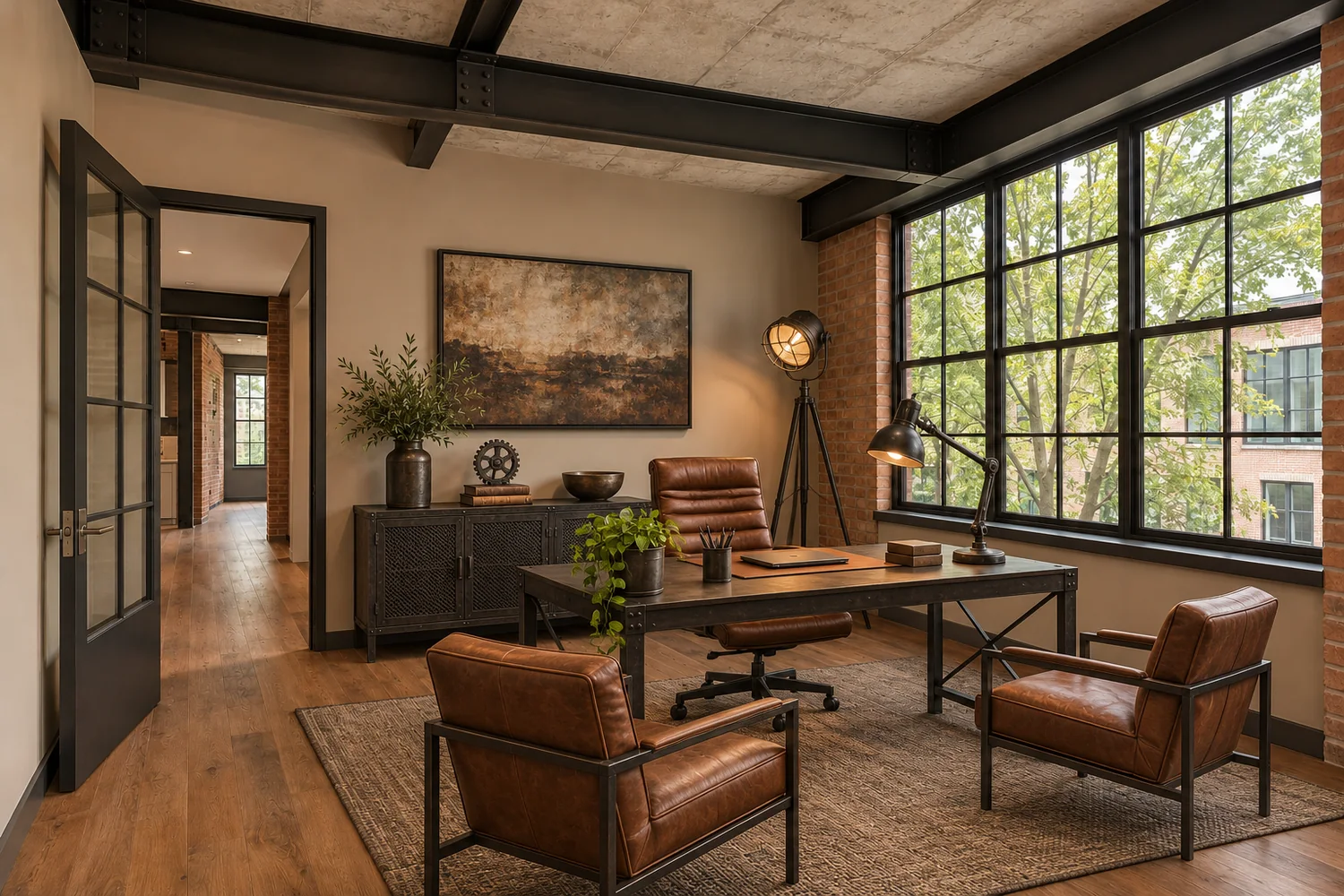
Home office
A desk, chair and storage show how a spare room can work as an office, without suggesting it is anything other than a spare room.
 Before After
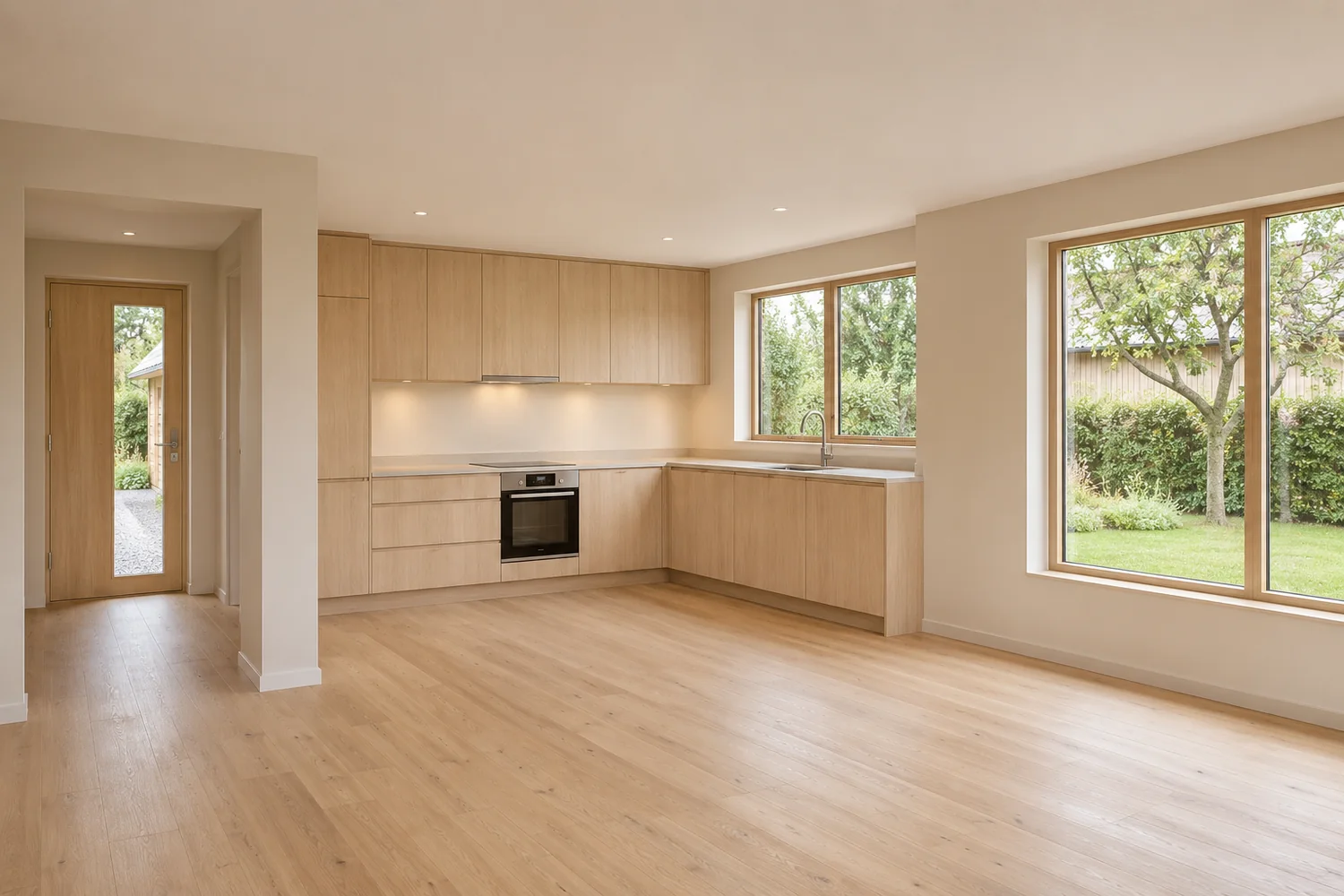
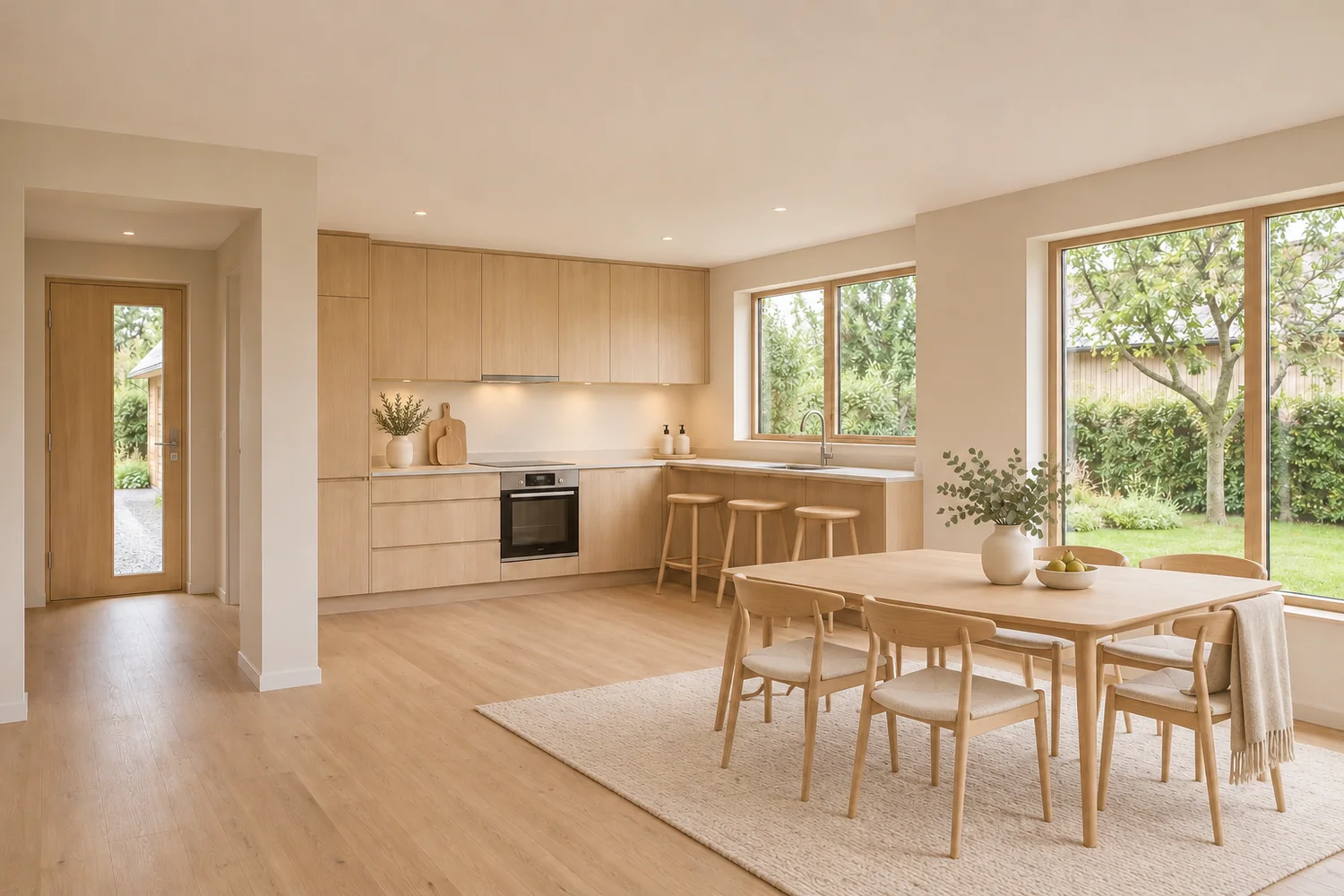
Open kitchen and dining
In an open plan, a dining set marks where the kitchen ends and the eating area begins. Cabinets, counters and appliances stay as photographed.
Where buyers look first: in NAR's 2025 Profile of Home Staging (agents surveyed February 2025, released May 6, 2025), the living room (37%), primary bedroom (34%) and kitchen (23%) were rated the most important rooms to stage for buyers. The survey covers staging in general, not virtual staging results.
Services
Edits that show the property as it is
Listing photo edits are meant to show a real property clearly, with limits that protect you and the buyer.
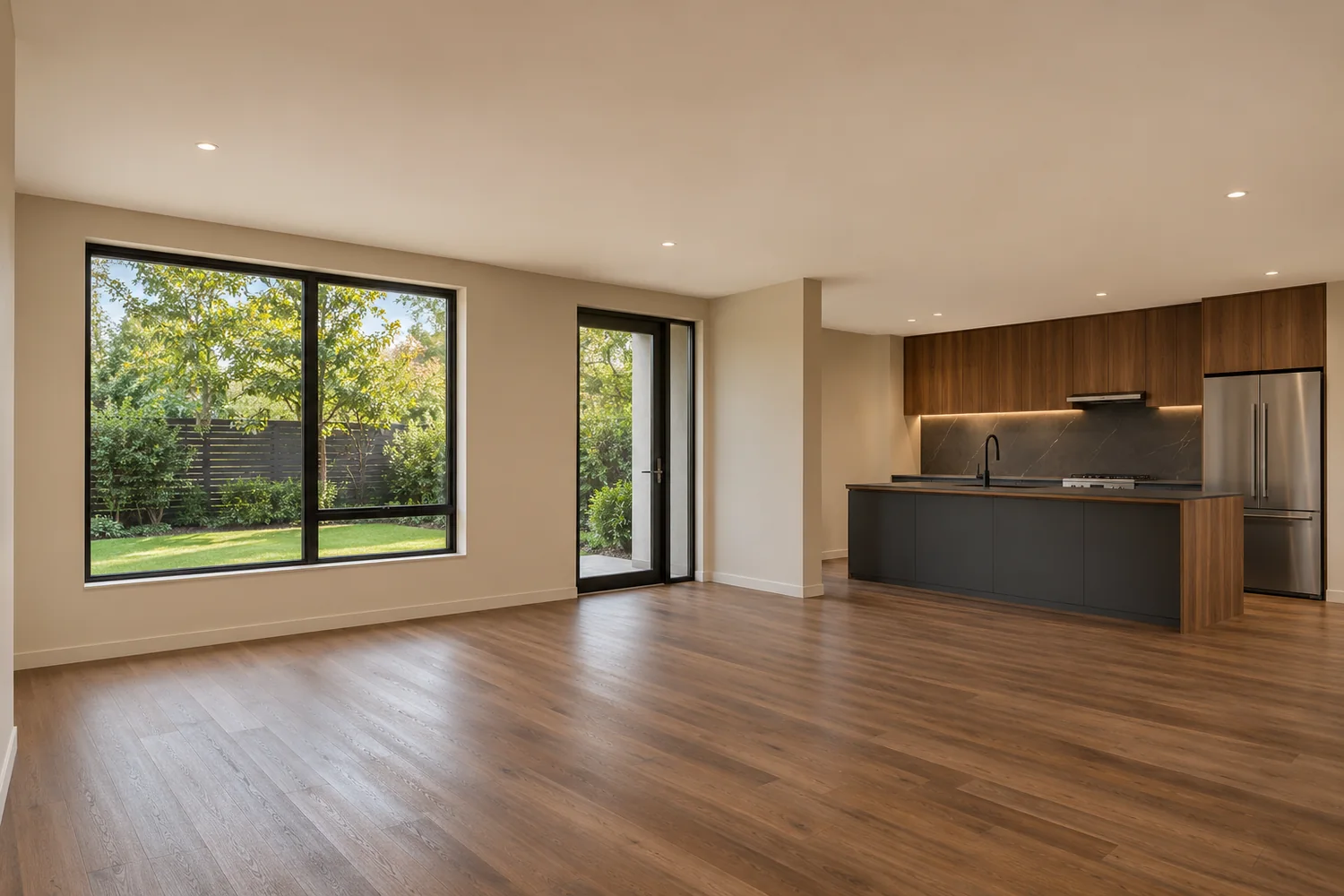
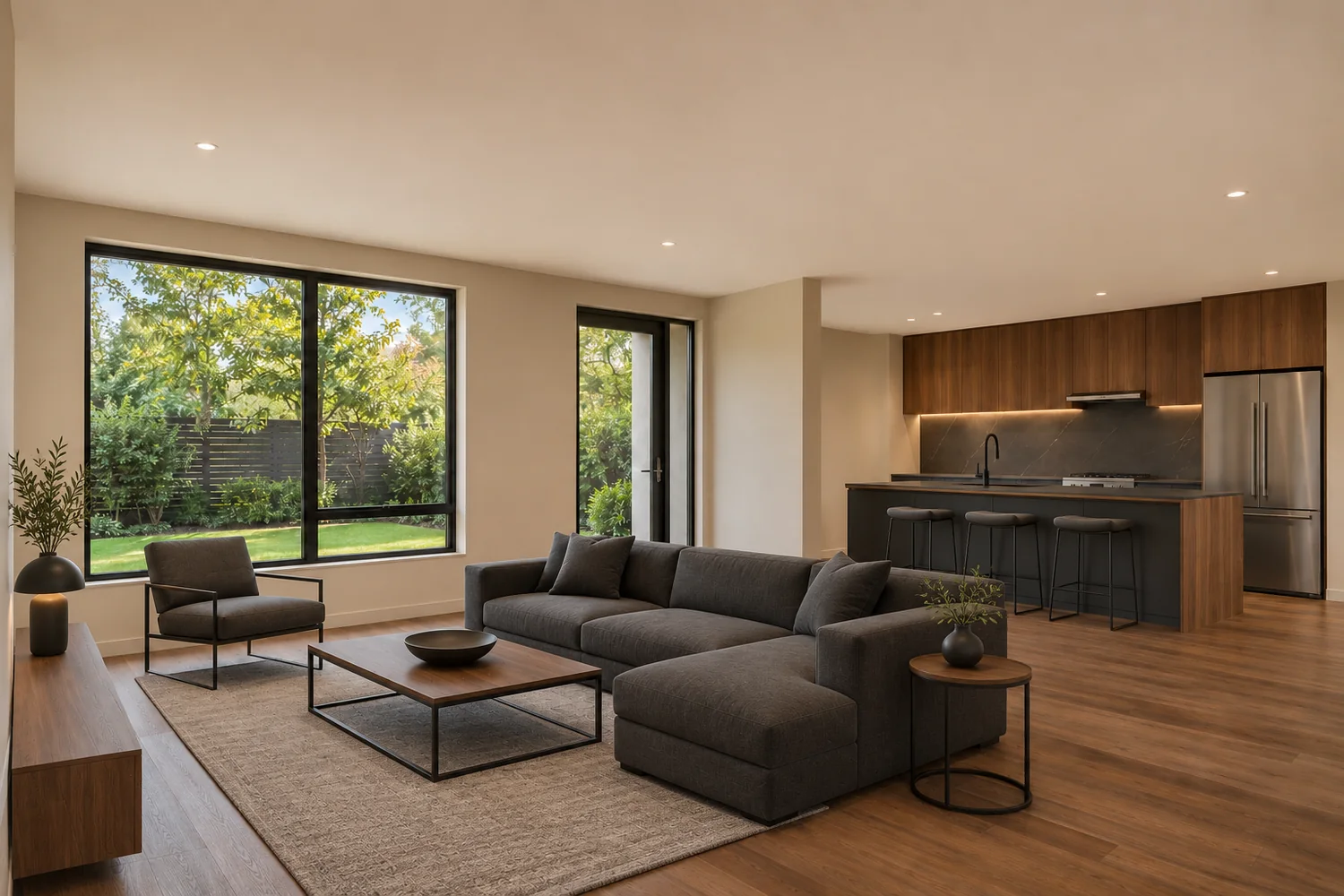 Before After
Stellar MLS: Permitted, with required disclosure
Virtual Staging
Add furniture and decor to a photo of an empty room.
About virtual stagingHow it works
How virtual staging works
A clear process for choosing the right visual approach for your property, from the first conversation to the listing.
- 01
Choose your service
Start with Virtual Staging: furniture and decor added to photos of the empty rooms in your property, in a room type and optional style you choose.
- 02
Share photos & requirements
Before any quotation, email full-resolution photos you have the right to edit, with the room types, where the images will be used and any style preference. The MLS matters, because the rules differ. There is no upload on this site.
- 03
Receive your quote & pay
StageLiora reviews your photos and requirements and sends a written quotation. Once you approve it, payment is arranged as the quotation sets out. Nothing is edited before then.
- 04
Receive & review your images
StageLiora completes the approved virtual staging and delivers the edited images by the delivery method agreed with you. Check each image against its original: walls, windows, floors, fixtures and room proportions should match before any image is used.
- 05
Prepare for listing use
Keep the original and complete the disclosure your MLS requires. In Stellar MLS that happens in the listing fields, not on the image.
For listing agents
Vacant or occupied, the edit is different
An empty home needs furniture to show what each room holds. A lived-in home needs the seller's belongings out of the way first.
Before After Vacant properties
Furniture and decor are placed in each empty room at true scale, so buyers can judge its size and purpose. Walls, floors and fixtures stay as photographed.
Virtual Staging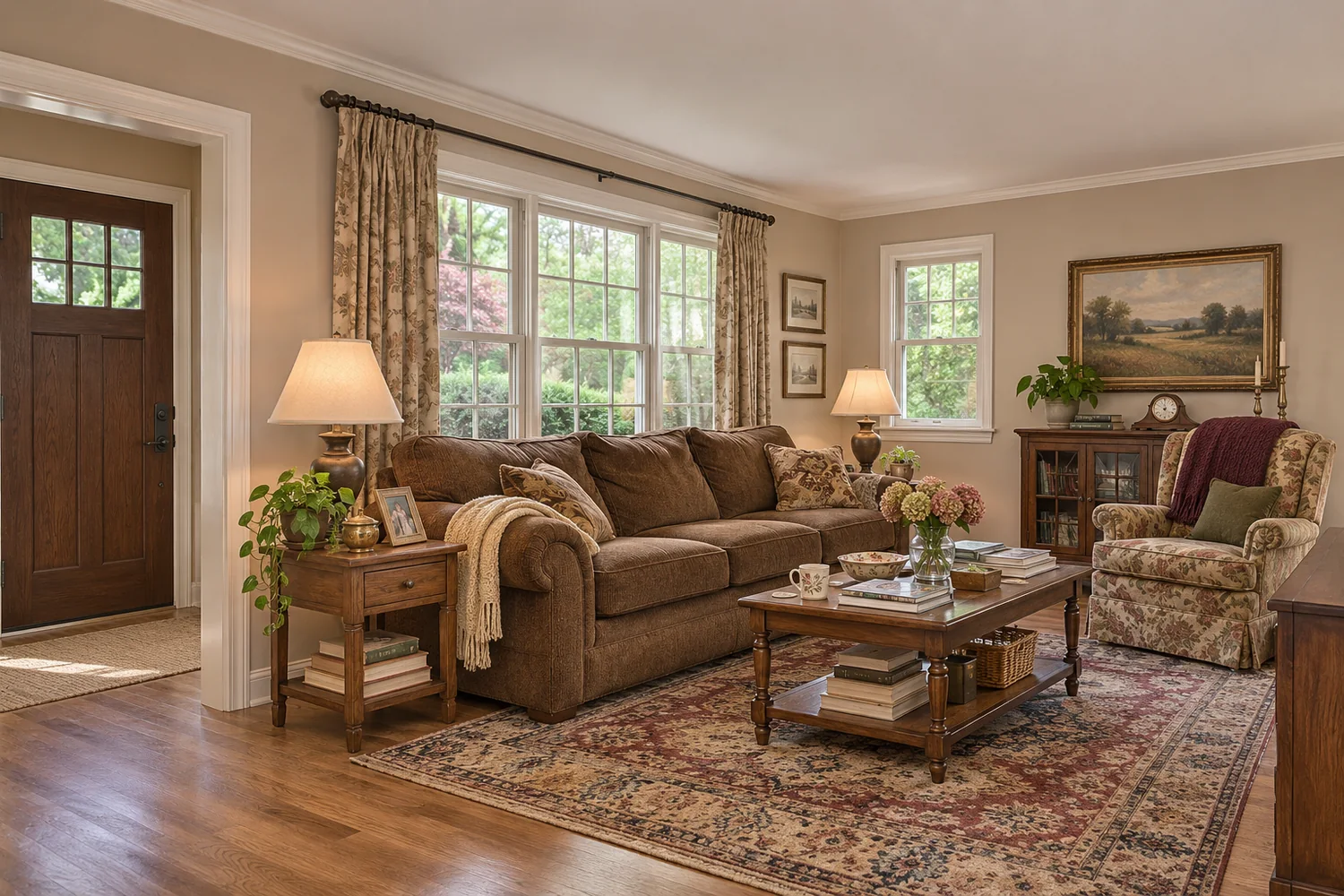
 Before After
Occupied properties
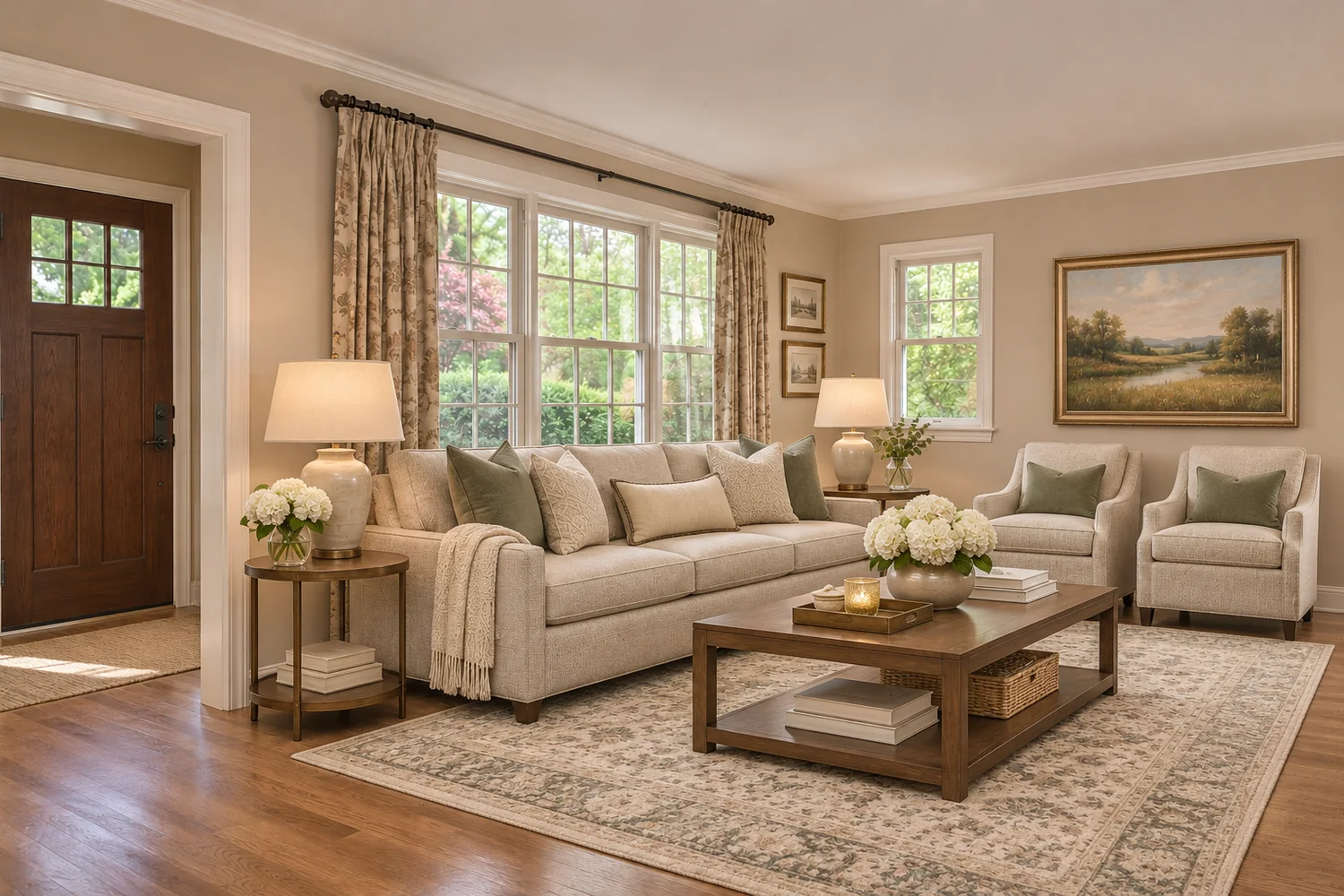
Movable furniture and clutter are removed from the photo, then the room is restaged. Built-ins and anything that conveys with the house stay where they are.
Planning a whole listing? How to use virtual staging for a real estate listing
Why virtual staging
When it is worth it, and when it is not
Virtual staging changes how a room is read. It does not change the room. Knowing the difference keeps a listing honest and saves money on images that will not help.
A good fit
- Rooms with no clear purpose, such as a loft, bonus room or alcove
- Spaces whose scale is hard to judge in a photo
- Vacant rooms that need furniture to show how they can be used
- Listings where dated furniture or an odd layout hides how the space works
Not a fix for
- An unrealistic asking price
- Poor condition or unfinished repairs, and damage must never be edited out
- Weak photography: a dark, blurred or tightly cropped photo needs a reshoot first
- Pre-construction listings, where Stellar MLS does not allow staging
Why StageLiora
Standards behind every image
We would rather show you how we work than ask you to trust ratings we do not have.
The room stays the room
A listing edit adds or replaces movable furniture and decor. Walls, windows, floors, fixtures and views stay as photographed.
Every edit type is named
Listing photo edits and concept visualizations are kept apart, and each service page says which one it is.
Disclosure is part of the job
Each service carries its Stellar MLS note, and the original photo stays beside every edited one.
No borrowed proof
No invented reviews, ratings or client work. How our example images are made is explained openly on the About page.

Behind StageLiora
A note from Devender Garg
I'm Devender Garg. My vision for StageLiora is to bring thoughtful design, realistic room visualization and clear property presentation together. I believe the best visuals should help people imagine a space while respecting the features that make each property unique.
Pricing
Priced before any work begins
Pay As You Go is $18 per photo, with lower per-photo rates for bundled sets. Cost depends on the service, the number of images and what each room needs, and any project is priced before work begins.
Image accuracy and disclosure
Stellar MLS Article 04.04 requires "Virtually staged" in the photo description, the virtually staged field checked, and public remarks that begin "One or more photo(s) was virtually staged."
It also strictly prohibits words on property photos, so the labels on this website are explanations and not MLS labels. We cannot promise compliance. The rules change, and the listing is yours.
Read the Florida disclosure guideSt. Petersburg property marketing
One city name. Very different listings.
Realtor.com data for October 2026 shows how widely ZIPs labeled Saint Petersburg vary. These are housing figures. They do not measure demand for staging.
Postal ZIPs are not city limits. StageLiora works remotely and has no office in St. Petersburg. See the St. Petersburg neighborhood guide.
What is virtual staging?
Adding furniture and decor to a photo of a room using image editing. The room itself is not changed. Our guide explains it in more detail.
Do the walls, windows and floors stay the same?
In a listing photo edit, yes. Virtual staging adds or replaces movable furniture and decor. Walls, windows, flooring, fixtures and the view stay as photographed. Changing those, such as new paint, flooring or cabinets, is a renovation or concept visualization. It can help someone plan, but it does not show the home as it is, so in Stellar MLS it cannot be used as a listing photo.
Can I see the same room in more than one style?
The room designs in the Portfolio show each room type across several of the eight design directions, so you can compare them side by side. In the listing itself, one style per home is usually better: buyers scrolling the photos would see the same room twice, and each version is another image to pay for and disclose. Keep alternatives for a seller conversation.
Will an edited photo be compliant with my MLS?
We cannot promise that. Rules differ by MLS and change over time, and the agent and broker remain responsible for the listing. We explain the rules we have read and point you to the source.
Can the words "virtually staged" go on the image itself?
Not in Stellar MLS. Article 04.04 strictly prohibits words and branding on property photographs submitted to the service. Use the fields instead.
How is the price of a project set?
By the service, the number of images, what each room needs and the quality of the source photo. The pricing page lists the current rates, and explains how each factor affects the cost.
Will virtual staging guarantee a faster sale?
No, and nobody can promise that. In NAR's 2025 Profile of Home Staging, 49% of sellers' agents said staging reduced time on market, but that is agents' experience of staging in general, not a measured result of virtual staging. Your own inquiries and showings are better evidence.
Have a property in mind?
Explore how virtual staging and careful image presentation can help communicate what a property offers.
Send your photos and requirements for a written quotation.